Release Notes
27.0 Release Notes- Payment Improvements, Waiver and Public API Updates
Information regarding the 27.0 PCS release
Information regarding the 28.2 release.
Our first major update of the year brings several new features to the system alongside general bug fixes.
Customers making a reservation through the 2.0 Online Booking site now have the option to pay through Apple or Google Pay upon making their deposit.
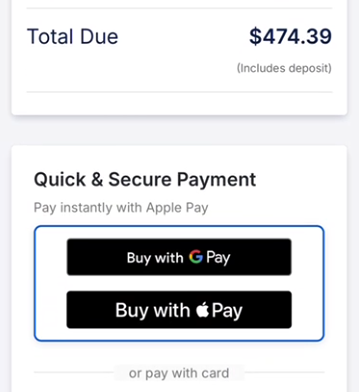
There are no extra steps required to enable this feature for facility owners; the payment options will be available by default through the 2.0 online booking site. Customers will see the appropriate options determined by the browser they are using to make a purchase. Payments made with Apple or Google Pay will appear normally in the payments section of an order.
In future releases, we plan to make these options available for the payment link and online store as well.
Keeping with our goal to expand user control over the Online Booking site, users will now be able to design and apply their own custom themes. With 2.0 Online Booking enabled, users can now create and edit custom themes directly within PCS.
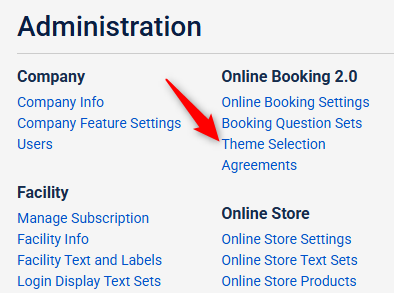
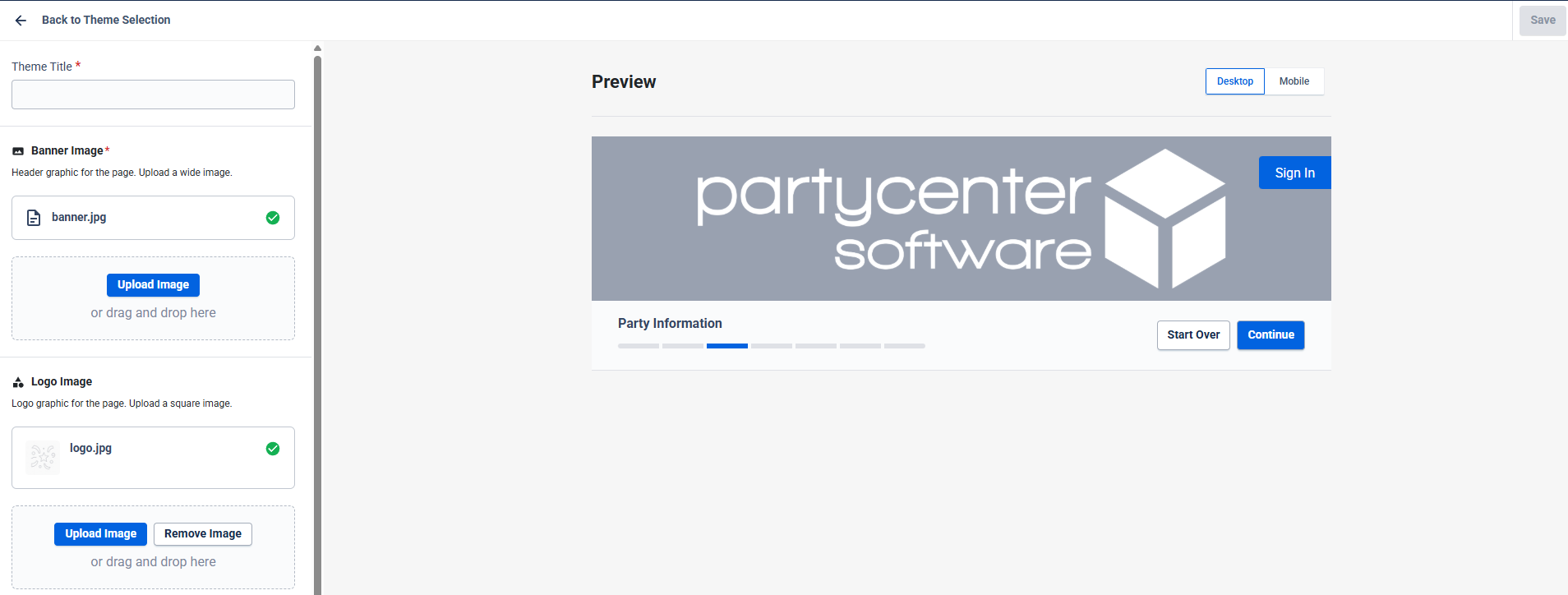
You can learn more about how to set up themes through our knowledge center article.
Note: Custom themes can only be applied to the 2.0 Online Booking site. For assistance in creating themes for the Online Booking Classic, Online Store, or Waivers pages, please contact our support team at 916-226-4062 or by email at support@partycentersoftware.com.
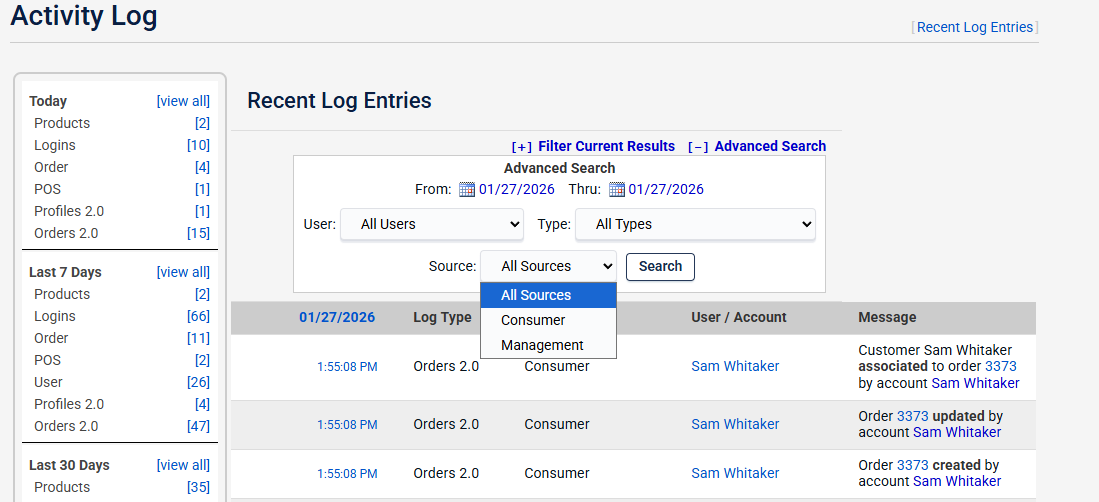
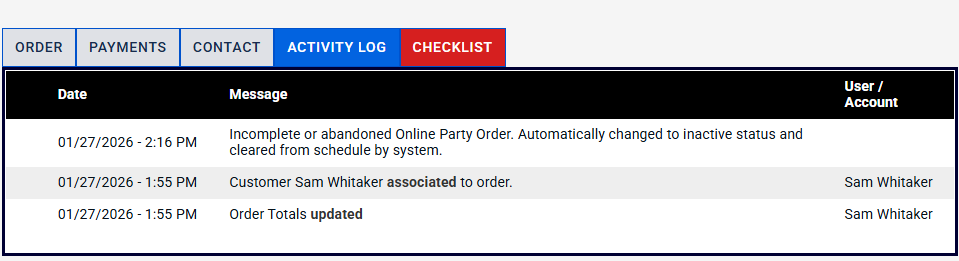
Customer activity in the 2.0 Online Booking Site is now logged in the general activity log. PCS users can now track detailed customer activity as they go through the booking site.
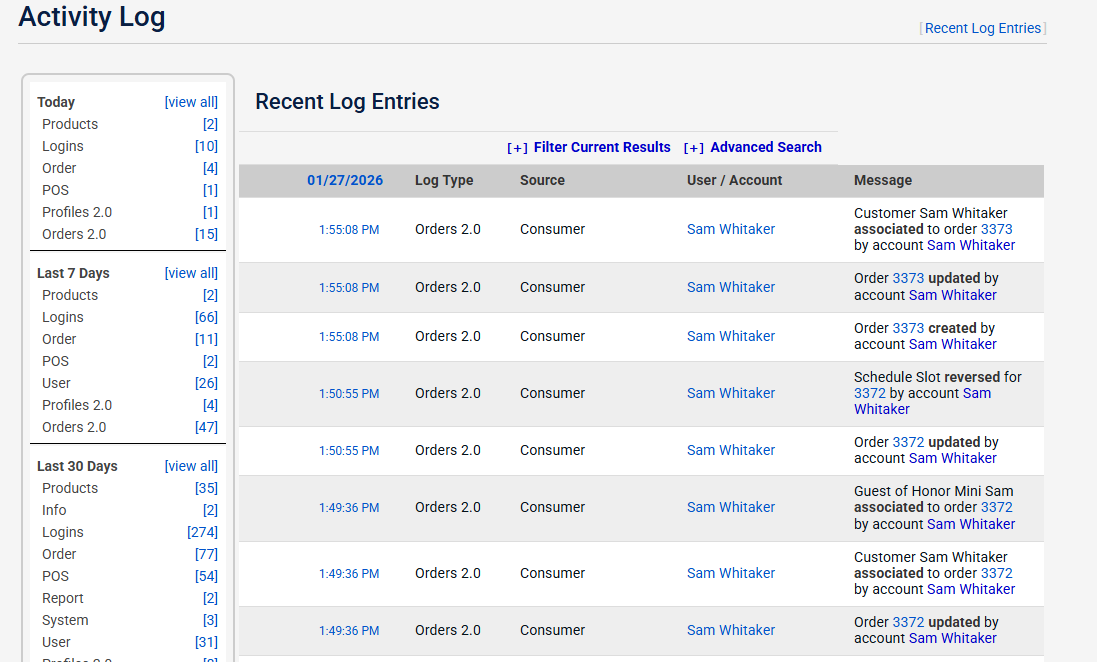
By using the Advanced Search Filter, you can filter customer and Management activity logs.
These logs now appear on the order activity logs as well.
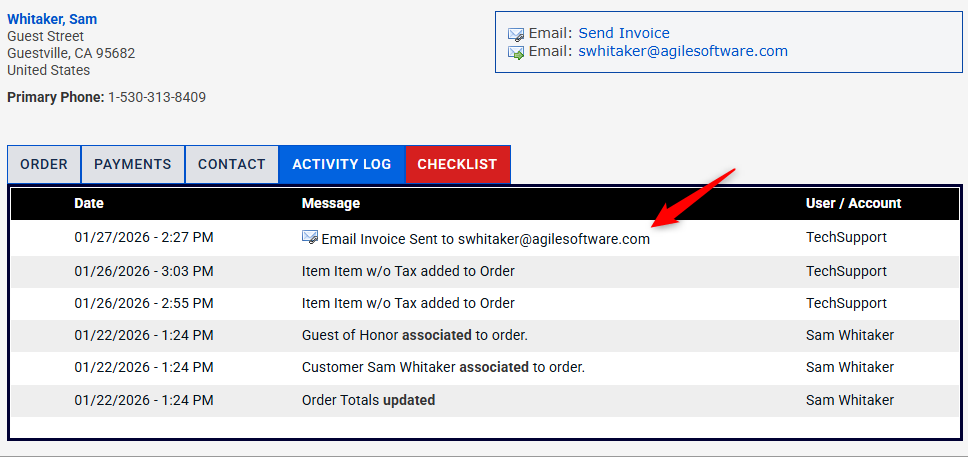
Copy of Invoice for Inhouse Bookings: Any email addresses included in the 'Email Addresses Notified When Order Completed' field will receive a copy of a customer invoice sent through the management portal.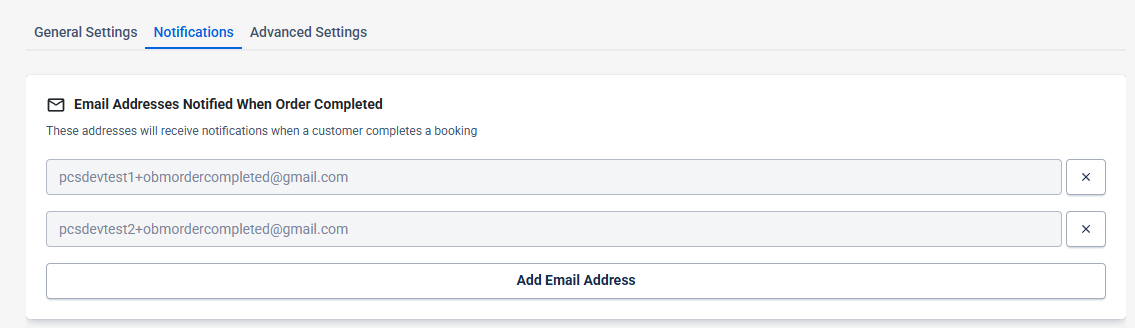
Information regarding the 27.0 PCS release
Party Center Software Release Notes 22.0